
Triage without reaching for the mouse
Move through conversations with the keyboard. Mark mail done, set a reminder, switch accounts, or open the command menu without leaving the message.
Triage, search, read, write, schedule, and set reminders from one keyboard-first Gmail client for Mac.
Full app free for 14 days · No card up front
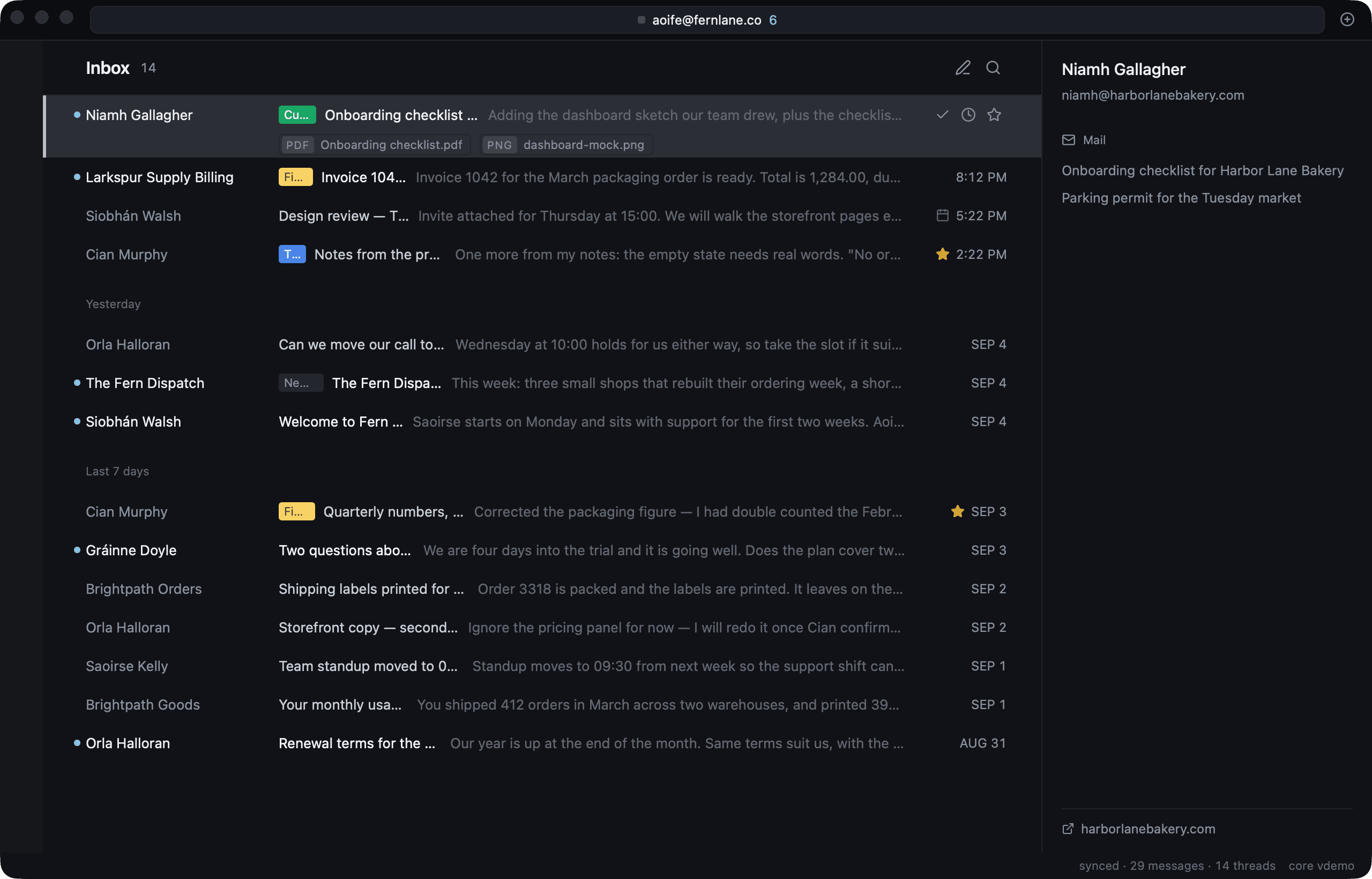
Open, archive, remind, search, and reply without leaving the message view.
Move through conversations with the keyboard. Mark mail done, set a reminder, switch accounts, or open the command menu without leaving the message.
Flick indexes a recent window of Gmail on your Mac for fast search. Older mail stays in Gmail and remains available through Gmail search.
Write beside the thread with rich text, keyboard shortcuts, undo send, scheduled send, and an optional reminder for the reply.
Open a message, act on it with the keyboard, and move to the next one.
Link your Galactus account, then connect the Gmail accounts you want in Flick.
Use the keyboard to open, archive, remind, search, and move between conversations.
Reply beside the thread, choose when to send, and set a reminder when a response matters.
The Mac app connects directly to Gmail. Flick keeps its recent search index on your computer and does not pass Gmail messages or Gmail tokens through a Flick server.
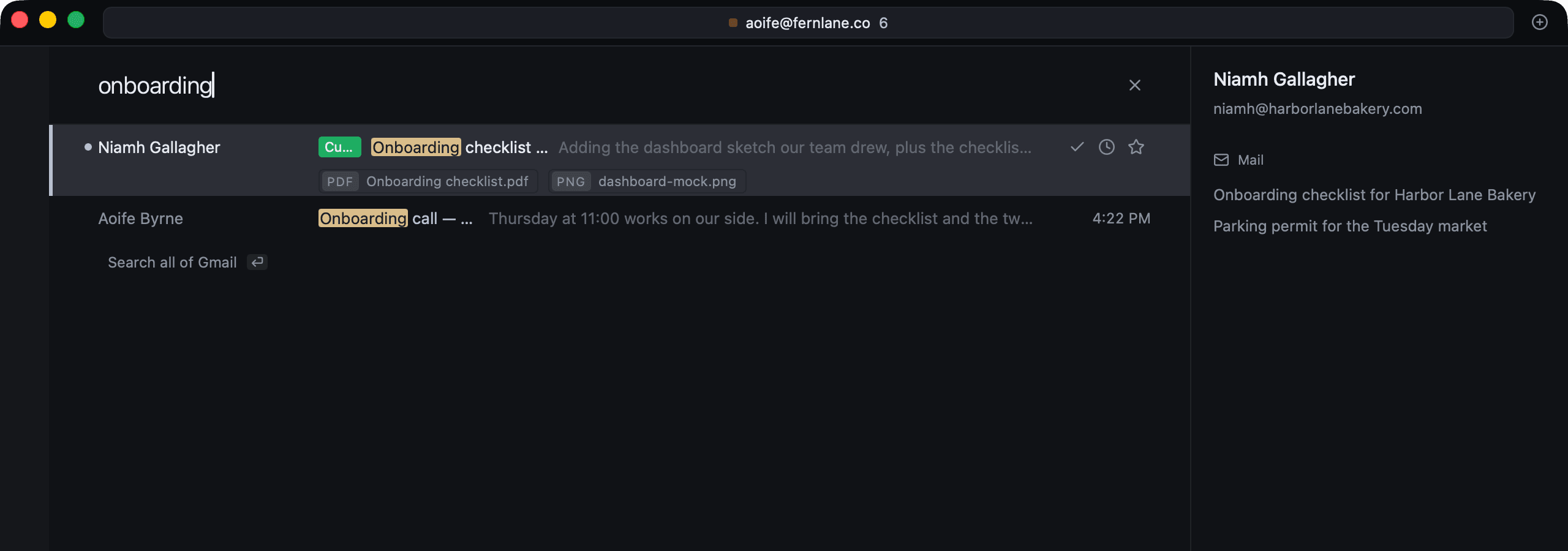
Try every current feature for 14 days. Flick Pro is $20 per month or $160 per year.